
The mapper
Maps your stack, critical flows and review context before anyone starts guessing.

The AI review scanner with 8 automated agents to eliminate app rejection risks, stop losing weeks of revenue, and start monetizing fast.
One-time $49 · lifetime access · no subscription
/app-audit scan
App Review Squad · 8 agents · scan mode
L1 App Store Connect ON · L2 Codebase ON
01 recon MyApp.xcodeproj · SwiftUI · 214 files
02-07 fan-out 6 specialist subagents in parallel
03 privacy ✗ PrivacyInfo.xcprivacy missing
5.1.1 · ITMS-91053 · needs a new build
04 payments ✗ no Restore Purchases entry point
3.1.1 · needs a new build
05 design ⚠ Library empty state reads unfinished
07 metadata ✓ screenshots valid for every device
08 report deduped · ranked · merged
2 blockers · 1 risk · 3 agents clean
→ APP_REVIEW_AUDIT.md · REVIEW_NOTES.md · REPLY_DRAFTS.md
Watch it run
One command, 8 agents, and the findings that come back — the whole thing, unedited.
Claude, Cursor and Copilot produce working iOS code — but an App Store submission isn't just code that compiles. Apple also expects project configuration, privacy declarations and store setup that no coding tool generates for you.
It builds the views, wires the logic, handles the state. It runs in the simulator, and it works.
Missing privacy manifest. A usage string too vague to pass. A demo account that never logs in. Days gone to one rejection email.
One audit before you submit. 8 agents, every finding with its guideline, its evidence and its fix. Minutes, not another review cycle.
over 40% of unresolved issues are guideline 2.1 — App Completeness — Apple, App Review
Clear evidence. Direct fixes. Zero generic AI fluff.
Maps your stack, critical flows and review context before anyone starts guessing.
Finds broken paths, incomplete screens and app-completeness risks.
Checks permissions, privacy manifests, data disclosures and tracking signals.
Reviews StoreKit, subscriptions, Restore Purchases and first-IAP release traps.
Looks for reviewer-stopping UX, unfinished states and functionality gaps.
Flags app-type, content and policy risks before they become surprises.
Checks metadata, screenshots, submission details and App Store Connect readiness.
Turns every signal into one evidence-based report and clear priority order.
One command coordinates the squad. Every finding comes back with the guideline, evidence, fix and whether it needs a new build.
Works with your stack
Any AI tool that can read your project: Claude Code, Cursor, Codex, Cline, Continue — including them running DeepSeek, Kimi or GLM.
No local access (ChatGPT, Claude.ai, DeepSeek chat)? The same agents run one at a time from what you paste.
Read-only. It never edits your code without your permission, and no kit can honestly promise approval.
See the full AI SquadWhat you do, what your AI squad does, and in what order.
79 checks — each says what to do, why Apple cares, and whether the fix needs a new build. Apple, App Review

Hey, I'm Jonathan
My first submission got rejected. So I fixed the issue. Submitted again. Rejected.
Another week gone. Then another rejection.
At some point I realized something.
Apple wasn't rejecting my app. It was rejecting my submission.
Every one of these cost me a round:
One word on one button. Rejected.
An Xcode capability I never used. Flagged.
A build I resubmitted unchanged — rejected again, for a different reason.
My iPhone-only app, tested on an iPad.
A URL that worked — because I was already signed in.
So I started documenting everything:
After dozens of hours spent reading Apple's documentation and decoding real rejection messages, I had something I wished I'd had before my first submission.
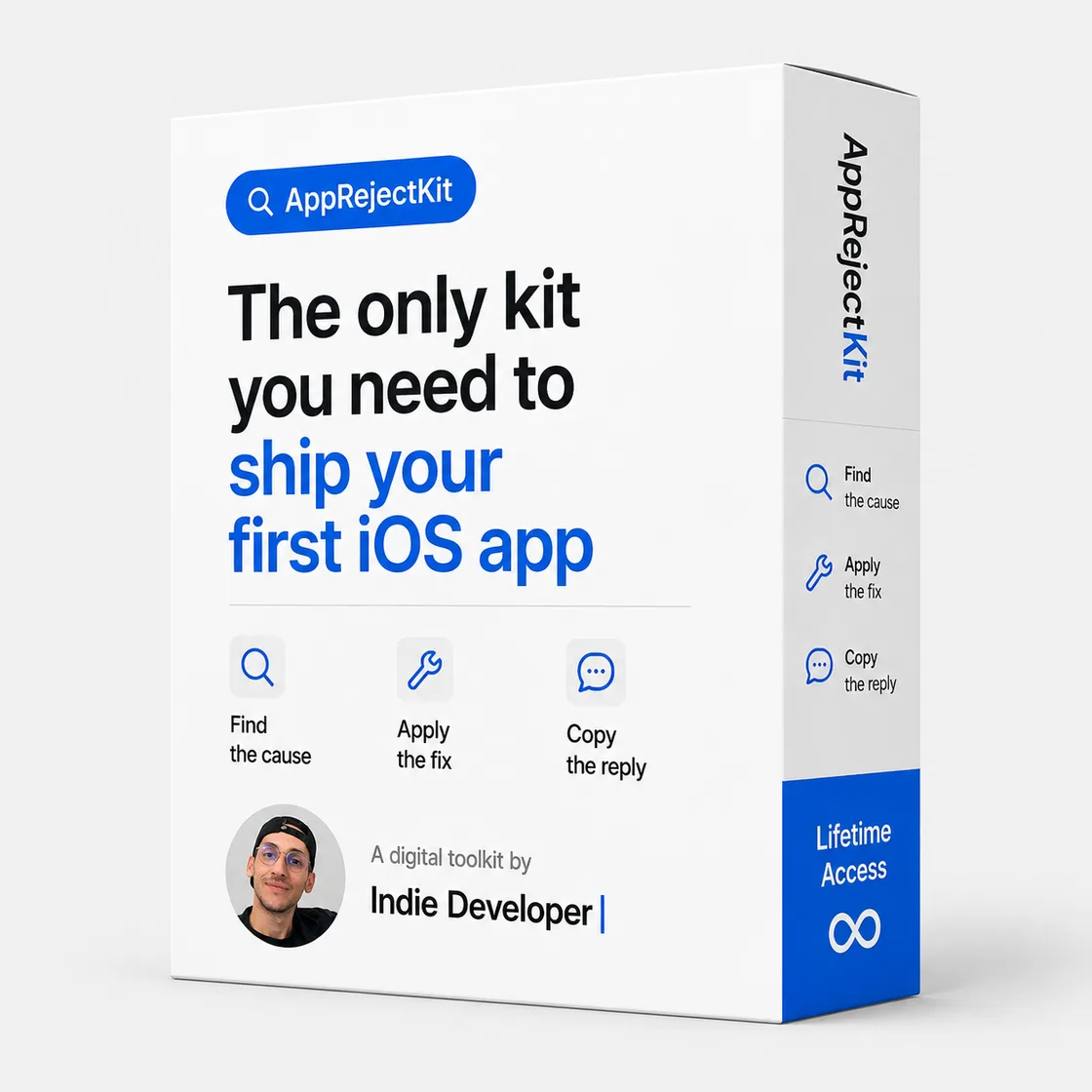
That's what became AppRejectKit.
Your squad is built to prevent the avoidable ones. If Apple still says no, this is your fast path back.
One-time $49 · lifetime access · no subscription
The AI Reviewer doesn't just read your code.
Then generates an evidence-based report with:
No guesswork. No scores. Just evidence.
Beta — Mac validation pending. Needs your Mac, Xcode and Claude Code. Everything runs locally with your own tool and credits.
It does
It doesn't
Everything above, in one purchase.
$99 $49
$49 until September 1, 2026. After that, $99.
Already bought? Unlock the kit.
It's built for exactly that. The checklist assumes you've never opened App Store Connect: every item says what to click, what to enter, and why Apple cares. Terms you don't know are in the glossary.
For the scan, an AI tool that can read your project — Claude Code or Cursor. The App Review Simulator (beta) additionally needs a Mac with Xcode, an iOS Simulator and locally configured XcodeBuildMCP; it runs with your own tool and credits. If you work in Claude.ai or ChatGPT instead, the same agents are there as prompts you run one at a time on what you paste. Either way the checklist, the 53 fiches and the templates work exactly the same.
Yes — all of it is public. That's the point: the raw material is free, and it's scattered across Apple's documentation, release notes and years of contradictory forum threads. You'd spend an evening working out which answer is current and which one actually worked. What you're paying for is the sorting: one fiche per problem, in the order you need it, linked to the official source, with a confidence score when the answer is field-reported rather than documented.
Ask it to audit your app and you get an essay about the guidelines — confident whether it's right or wrong, with nothing behind it. The squad works the other way round: it reads your actual project, and a finding only exists if it can show where it came from. It also can't tell you which fix cleared review recently, what to write in the Resolution Center, or how sure anyone is about an answer. This kit is built from submissions that really happened, every claim is dated and scored, and it installs into your AI so the two work together instead of competing.
Yes. $49 once, lifetime access — updates included. No subscription, no upsell.
No — and be wary of anyone who does. Apple decides. The kit removes the avoidable mistakes and helps you understand and answer a rejection fast.
Yes. Fiches are tagged by stack (RevenueCat, StoreKit, Expo, Capacitor, FlutterFlow…) and by app type. The reasoning is stack-agnostic; the guideline is the same for everyone.
Then start at the Rejection Decoder instead of the checklist: paste Apple's message and you land on the fiche with the cause, the fix and a reply you can send back the same day.
Because the kit is digital content with instant access, all sales are final. If you hit a technical issue, get the wrong product, or were charged incorrectly, email us within 7 days — we review every request case by case. See the refund policy for details.
A license key is shown right after checkout and emailed to you. Paste it once and the kit unlocks on this device.
Yes. Apple changes its rules, so advice is dated and updates are included in your one-time purchase.
Run the checklist tonight. Press Submit knowing what the reviewer will see.
Audit my app nowAlready bought? Unlock the kit.